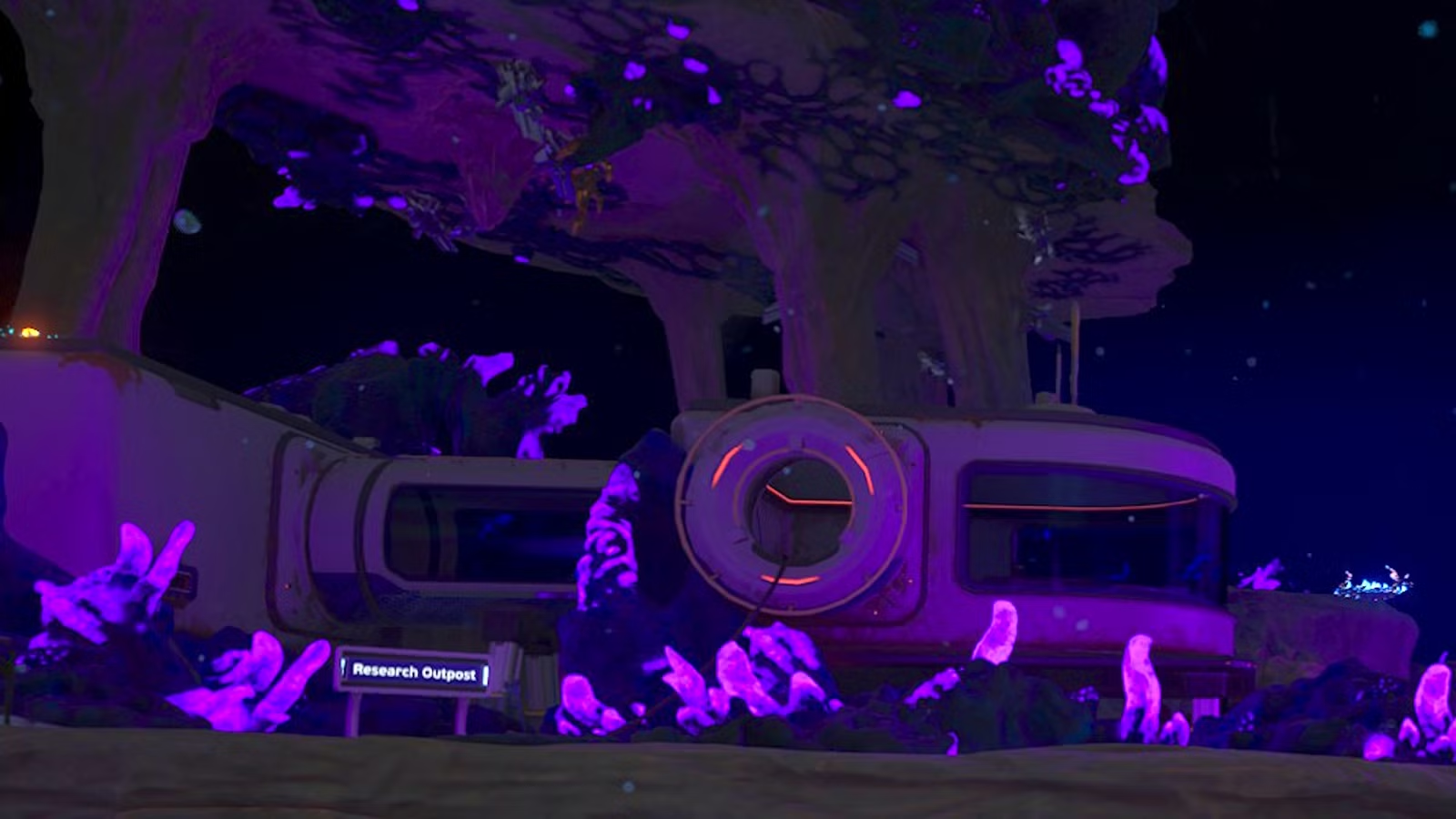
Building a base in Subnautica 2 is an essential part of survival and something you’ll have to start doing earlier than you might think. Bases are shelters, but also where you’ll respawn if you die, make higher-tier materials, build vehicles, and do pretty much everything that doesn’t involve swimming around and gathering materials. However, the game tells you very little about how to build a base and even less about things like advanced energy generation and how to position certain rooms so you can use essential tools.
Below, we explain how to build a base in Subnautica 2 and break down things like powering your base, where to locate it, and which machines and tools you should always make sure to have.
You’ll need a base sooner than you think
The Lifepod fabricator is damaged and won’t let you craft anything beyond the basics, so once you start needing things like advanced wiring kits and certain tools, you’ll have to build a base. Early ones can be basic, just one room with a new fabricator and a small power supply. In fact, early bases should be basic, as you’ll move on soon.
Don’t build your first base too close to your Lifepod
After you investigate Wander’s Blackbox and clear the nearby Angel Comb, there won’t be much left to do around your Lifepod. Events start taking place further east, so that’s where you should build your first base. Otherwise, you’ll just have to keep crossing ever-increasing distances to access your inventory and get new main story objectives.
You can extend rooms without building new ones

If you just need a bit of extra space and don’t want an entire room, hover the habitat fabricator cursor on the wall of an existing room. You can expand out several squares or just one, and it’ll cost less titanium than a new room. You also won’t have to fuss with building corridors to connect rooms this way.
Plan on building several bases
Progressing in Subnautica 2 means moving on to new locations, and very often, it also means not revisiting earlier spots, including bases. So don’t get too attached to a base while you’re completing the story, since you’ll need to do it all over again once you reach a major new area.
Make a beacon and attach it to your base
If you don’t have a beacon with an active signal, your base won’t have an active location marker, which means finding it again will be much more difficult than it needs to be.
Diversify your energy sources for round-the-clock power

Solar panels are fine to start with, but they run out of energy overnight. Unless you have a power bank and several panels — which is a valid option — your base will only be able to provide oxygen and power machines during the day. Instead of just relying on panels, you have a few other options.
- Use a Bioreactor to create energy from plant matter and small fish.
- If you’re near a current, use a hydroelectric turbine and power transmitters to use the current to power your base. Multiple turbines can occupy the same current.
- If you’re near a source of extreme heat, like magma, place a thermal plant in the magma, and use power transmitters to transfer the heat energy to your base.
Solar panels are also less reliable as you venture deeper and move past where light reaches easily. Past 200 meters, where the ocean turns deep blue or green, panels won’t work at all. Depth is the only thing that matters here, though. If you build solar panels in a shaded spot close to the surface, they still function at full capacity.
Keep up with your power needs

Before you start loading your base with energy-hungry machines, make sure to check how much power you’re producing and how much the additions will require. When you’re near or inside your base, look at the top left corner of the screen. The blue is how much energy your current setup produces, and the red is how much it uses.
Nothing catastrophic happens in an instant if you run out of power. Oxygen production stops, so you use oxygen as if you’re underwater again, and your machines stop working. But once you add more power, everything is up and running again like normal.
Craft these essential utilities when you can
You can find a lot of blueprints for your base, ranging from decorative items like chairs and lights to essential utilities. You don’t need all of them, but there’s a handful that’ll make life much easier.
- Fabricator: This is essential for progression and lets you craft more than the fabricator in your Lifepod.
- Several lockers: For storing materials and other essentials.
- Biobed: This is your respawn point. If you plan on using a base for any length of time, consider crafting a bed and setting it as your respawn location.
- NoA unit: The NoA is how you get new story objectives.
- Processor: This is how you’ll get ingots, essential materials for more advanced crafting blueprints.
- Bioreactor: For power if you aren’t near heat sources or ocean currents.
- Moonpool: Necessary for using a vehicle fabricator to make tadpoles and other vehicles.
- Tadpole Dock or Power Cell Terminal: Either one lets you recharge the cell that powers your tadpole. It’s much easier than crafting a new cell every time the old one dies.
- Modification Station: Lets you make new mods for yourself and your vehicles.
- Scanner Station: Locates points of interest in the near vicinity. Not essential, but helpful if you want pointers about where to explore next.
Depending on how and where you build your bases, you may not need a ton of power for each one or a respawn point and processors. However, it’s always a good idea to build a moonpool and fabricator in each base. Otherwise, if you lose your tadpole or it runs out of energy, you’ll have to trek back to whichever base does have a moonpool to make a new one.
Have at least one room with a lot of space between its floor and the seafloor

However you design your base, make sure one room is fairly high off the ground. You need a moonpool and a vehicle fabricator to make your first tadpole (and other, future vehicles), but the moonpool must be placed in the floor of a room in your base. There also has to be enough room for the vehicle to fit between the moonpool and the seafloor, or you won’t be able to place the fabricator.
How refunding your base works
Subnautica 2‘s early access version has a “refund bases” option. It does what it says on the label and gives you back all the materials you spent on rooms, accessories and decorations, and anything inside the base — except whatever was in your storage lockers. You’ll get the titanium or whatever it cost to build the storage units, but not what you put inside them.
The game places refunded materials that won’t fit in your inventory in a storage cache that appears next to you, wherever you are when you choose to refund the base. The cache’s visible space is limited, but materials that wouldn’t normally fit just go into a pocket dimension and show up as you start taking things out of the cache.
It’s a handy way to get materials back if you don’t plan on ever revisiting old bases. Just make sure you won’t miss what you had in your storage first, as there’s no way to undo this action or get those materials back.
If you’re starting out in Subnautica 2, we have a plethora of guides to help you navigate the deep blue sea. Our Subnautica 2 beginner’s guide will set you off in the right direction. Don’t forget to stock up on food and water, too. (And if you want to get fancy with your food, you’ll want salt!)
If you need help finding materials, we explain how to get the sonic resonator, which you’ll want to mine tons of materials. We have guides on where to find these resources, like lead, sulfur, copper, quartz, and gold.
About the Author